
Astropy
Astropy is a community python library for Astronomy to foster interoperability between astronomy packages.
Fedora Astronomy brings a complete open source toolchain to both amateur and professional astronomers.
The Spin provides the Fedora KDE desktop enhanced with a complete scientific Python environment and the AstrOmatic software for data analysis. KStars was added to provide a full featured astrophotography tool. As KStars uses the INDI library to control equipment, various telescopes, cameras etc. are supported. Summarized, Fedora Astronomy provides a complete set of software, from the observation planning to the final results.
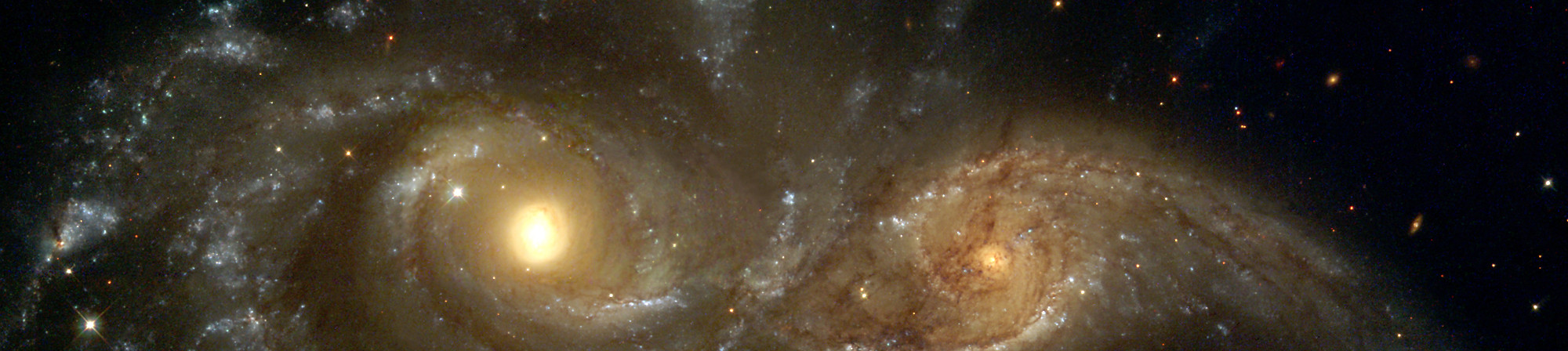
Astropy is a community python library for Astronomy to foster interoperability between astronomy packages.

Kstars provides an accurate graphical simulation of the night sky, from any location on Earth, at any date and time.

The free space simulation that lets you explore our universe in three dimensions.

Allow you to visualize any planet aspect at any time. Include extended feature database and texture.

Siril, a free astronomical image processing software.

The INDI Library is a cross-platform software designed for automation and control of astronomical instruments.

A powerful image composition and graphic editing app, similar to Adobe® Photoshop™.

Redshift adjusts the color temperature of your screen according to your surroundings.

AstrOmatic is a set of astronomical pipeline software.
تاريخ الإصدار: الثلاثاء، ٢٣ أبريل ٢٠٢٤
حالما تفرغ من تحميل صورة، احرص أن تتحقق من أمانها وموثوقيتها.
بحساب تدقيق المجموع للصورة على حاسبك ومقارنة الناتج لتدقيق المجموع الأصلي، ستتأكد من أن الصورة لم يُتلاعب بها وأنها لم تفسد. الصور أيضا مُوقّعة بمفاتيح فيدورا التشفيرية لتأكيد سلامتها.
Click the verify button to download the checksum file for your downloaded image.
استيراد مفاتيح تشفير فيدورا
curl -O https://fedoraproject.org/fedora.gpg
يمكنك التحقق من تفاصيل مفتاح(مفاتيح) GPG هنا.
تحقق من أن ملف تدقيق المجموع صالح
gpgv --keyring ./fedora.gpg Fedora-Labs-40-1.14-*-CHECKSUM
تحقق من أن تدقيق المجموع مساوٍ
sha256sum -c Fedora-Labs-40-1.14-*-CHECKSUM
إذا نص الخرج على أن الملف صالحٌ، إذا فهو جاهز للاستخدام!

By clicking on and downloading Fedora, you agree to comply with the Fedora Export Control Policy.