
Astropy
Astropy is a community python library for Astronomy to foster interoperability between astronomy packages.
Fedora Astronomy brings a complete open source toolchain to both amateur and professional astronomers.
The Spin provides the Fedora KDE desktop enhanced with a complete scientific Python environment and the AstrOmatic software for data analysis. KStars was added to provide a full featured astrophotography tool. As KStars uses the INDI library to control equipment, various telescopes, cameras etc. are supported. Summarized, Fedora Astronomy provides a complete set of software, from the observation planning to the final results.
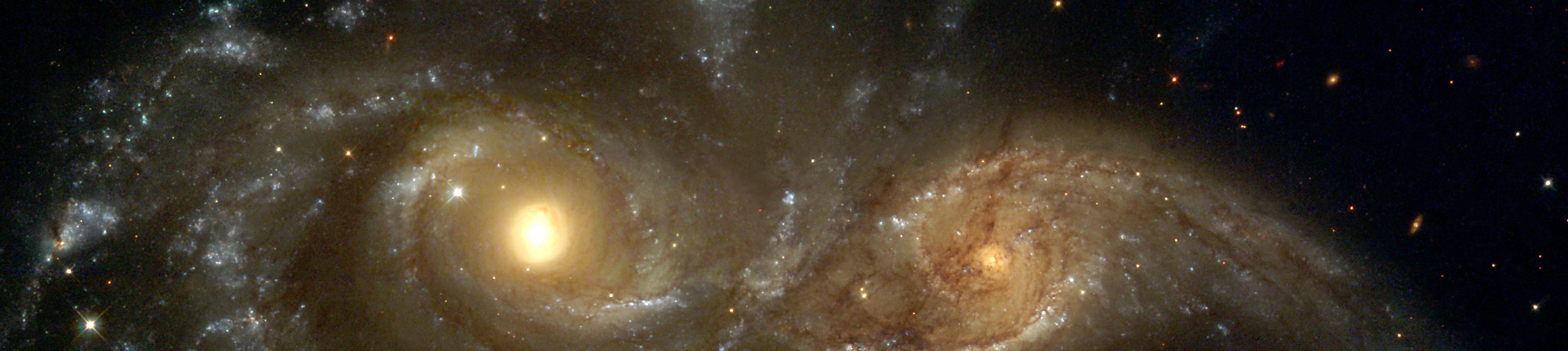
Astropy is a community python library for Astronomy to foster interoperability between astronomy packages.

Kstars provides an accurate graphical simulation of the night sky, from any location on Earth, at any date and time.

The free space simulation that lets you explore our universe in three dimensions.

Allow you to visualize any planet aspect at any time. Include extended feature database and texture.

Siril, a free astronomical image processing software.

The INDI Library is a cross-platform software designed for automation and control of astronomical instruments.

یک برنامه قدرتمند برای ترکیب تصاویر و ویرایش گرافیکی، مشابه Adobe® Photoshop™.

Redshift adjusts the color temperature of your screen according to your surroundings.

AstrOmatic is a set of astronomical pipeline software.
تاریخ انتشار:
For Intel and AMD x86_64 systems
Fedora Astronomy Lab 45Live ISO iso5.6 GiB

شروع کار با Fedora Linux از همیشه آسانتر است. تنها چیزی که نیاز دارید یک فلش USB با ظرفیت ۴ گیگابایت و ابزار Fedora Media Writer است.
پس از نصب Fedora Media Writer، میتوانید از آن برای نوشتن یک نسخه «Live» از Fedora Linux روی فلش استفاده کنید. سپس میتوانید سیستم را از روی فلش راهاندازی کنید و بدون ایجاد هیچ تغییر دائمی در رایانه، Fedora Linux را امتحان کنید. وقتی به Fedora علاقهمند شدید، انتقال Fedora Linux از فلش به هارد دیسک رایانهتان تنها با چند کلیک انجام میشود.* اطلاعات بیشتر
Fedora Media WriterApple macOS dmg !58.5 MiB
Fedora Media WriterApple macOS (ARM64) dmg !58.5 MiB
Fedora Media WriterMicrosoft Windows exe28.8 MiB
Fedora Media WriterMicrosoft Windows zip38.8 MiB
Fedora Media WriterLinux flatpak

xattr -d com.apple.quarantine FedoraMediaWriter-macos-*.dmg
هنگامی که یک تصویردیسک را دانلود کردید، مطمئن شوید که آن را از نظر امنیت و یکپارچگی بررسی کنید.
By calculating a image's checksum and comparing it to its original checksum, you can verify that a image has not been tampered with or corrupted. Images are also signed with the Fedora Project's OpenPGP keys to demonstrate their integrity.
روی دکمه تأیید کلیک کنید تا دستورالعملهای متناسب با دانلود خود را دریافت کنید.

By clicking on and downloading Fedora, you agree to comply with the Fedora Export Control Policy.