
Astropy
Astropy is a community python library for Astronomy to foster interoperability between astronomy packages.
Fedora Astronomy brings a complete open source toolchain to both amateur and professional astronomers.
The Spin provides the Fedora KDE desktop enhanced with a complete scientific Python environment and the AstrOmatic software for data analysis. KStars was added to provide a full featured astrophotography tool. As KStars uses the INDI library to control equipment, various telescopes, cameras etc. are supported. Summarized, Fedora Astronomy provides a complete set of software, from the observation planning to the final results.
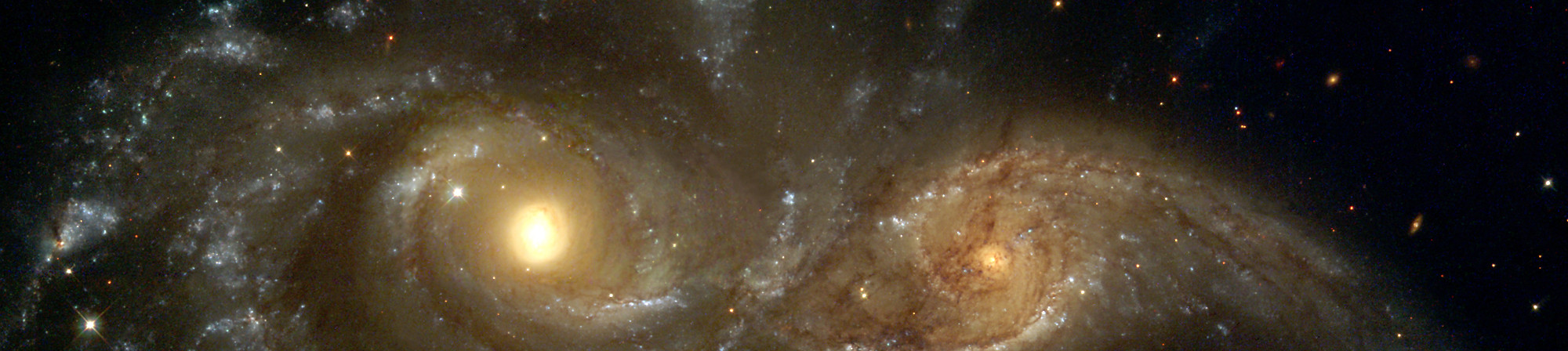
Astropy is a community python library for Astronomy to foster interoperability between astronomy packages.

Kstars provides an accurate graphical simulation of the night sky, from any location on Earth, at any date and time.

The free space simulation that lets you explore our universe in three dimensions.

Allow you to visualize any planet aspect at any time. Include extended feature database and texture.

Siril, a free astronomical image processing software.

The INDI Library is a cross-platform software designed for automation and control of astronomical instruments.

A powerful image composition and graphic editing app, similar to Adobe® Photoshop™.

Redshift adjusts the color temperature of your screen according to your surroundings.

AstrOmatic is a set of astronomical pipeline software.
ДАТУМ ИЗДАЊА: уторак, 23. април 2024.
Када будете преузели слику, обавезно је верификујте због интегритета и безбедности.
Рачунањем контролног броја слике на вашем рачунару и упоређујући га са оригиналним контролним бројем, можете проверити да слика није мењана или оштећена. Слике су такође потписане Федориним ГПГ кључевима како би показале интегритет.
Click the verify button to download the checksum file for your downloaded image.
Увезите Федорине GPG кључ(еве)
curl -O https://fedoraproject.org/fedora.gpg
Можете проверити детаље GPG кључ(ева) овде.
Проверите да ли је датотека контролног броја исправна
gpgv --keyring ./fedora.gpg Fedora-Labs-40-1.14-*-CHECKSUM
Проверите да ли је контролни број одговарајући
sha256sum -c Fedora-Labs-40-1.14-*-CHECKSUM
Ако излаз показује да је датотека исправна, онда је спремна за употребу!

Кликом и преузимањем Федоре, слажете се да ћете се придржавати Политике извоза Федоре.