

Installation and boot process
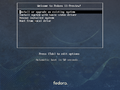
Installation Splash Screen
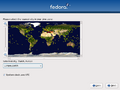
Timezone Selection Screen
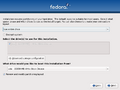
Partition Selection Screen
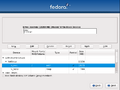
Look ext4 support!
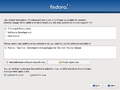
Software Add and Removal Screen
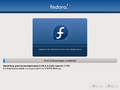
Installation begins after checking dependencies

Graphical Boot with Plymouth
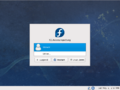
Fedora 11 login screen


Applications
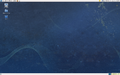
Gnome 2.26: default desktop
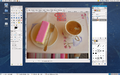
Gnome 2.26: image editing in GIMP
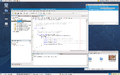
Gnome 2.26: programming in NetBeans 6.5
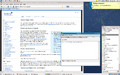
Gnome 2.26: firefox 3.5 and Pidgin IM
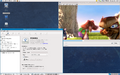
Gnome 2.26: watching a movie while using Palimpsest
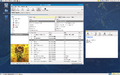
Gnome 2.26: listening to music in Rhythmbox
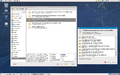
Gnome 2.26: virtualization software installation
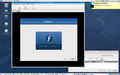
Gnome 2.26: running a virtual machine installing Fedora 11
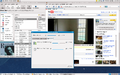
Gnome 2.26: independent volume control for each application via PulseAudio
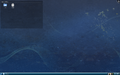
KDE 4.2.2: default desktop
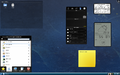
KDE 4.2.2: with some widgets
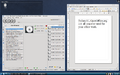
KDE 4.2.2: Amarok and OpenOffice.org
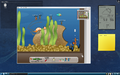
KDE 4.2.2: playing Wormux

XFCE 4.6: default desktop
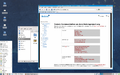
XFCE 4.6: firefox and an open menu
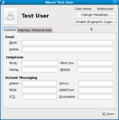
Fprint: Setting up fprint in About Me
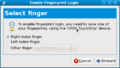
Fprint: Which finger?
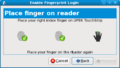
Fprint: Swiping your finger
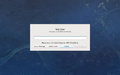
Fprint: Unlocking the Screensaver


Sugar Desktop
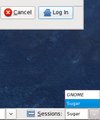
Sugar Desktop - Choose Sugar Desktop
Sugar Desktop - Enter your name
Sugar Desktop - Pick your color
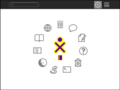
Sugar Desktop - Main Menu (circle)
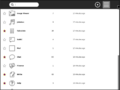
Sugar Desktop - Main Menu (list)
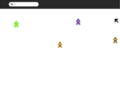
Sugar Desktop - Network Neighborhood
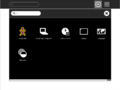
Sugar Desktop - Settings
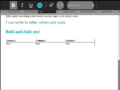
Sugar Desktop - Write Activity
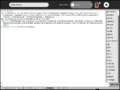
Sugar Desktop - XO IRC
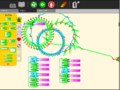
Sugar Desktop - Turtle (Think Logo)
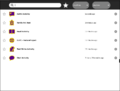
Sugar Desktop - Activity Log


