
Installation
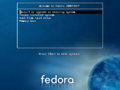
Boot Screen for Fedora 10 Install
Installation Splash Screen
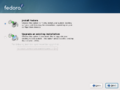
Fresh install or upgrade?
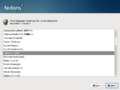
Installation Language Selection Screen
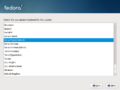
Keyboard Selection Screen
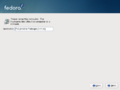
Network Configuration Screen
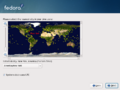
Timezone Selection Screen
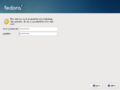
Password Creation Screen
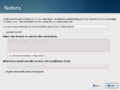
Partition Selection Screen
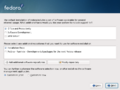
Software Group and Repository Selection Screen
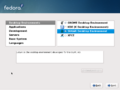
Software Add and Removal Screen
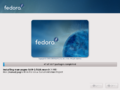
Installation begins after checking dependencies


Set Up

Graphical Boot with Plymouth

Graphical Boot with Plymouth
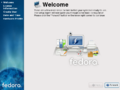
Setup Welcome Screen
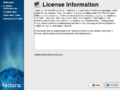
GPL License Acceptance Screen
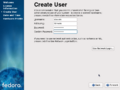
Create Additional Users Screen
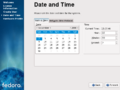
Date and Time Screen
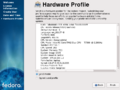
Smolt Hardware Profile
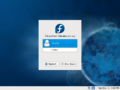
Login Screen
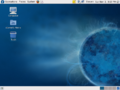
Fedora Desktop Screen
- Empty
- Empty
- Empty


New applications
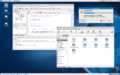
Gnome 2.24 desktop, NetBeans IDE 6.1 and running a system update
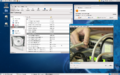
Rhythmbox, Totem Movie Player and PackageKit
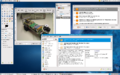
GIMP 2.6 and PackageKit
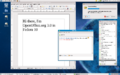
OpenOffice.org 3.0, Pidgin 2.5 and software installer


