
Extreme Tux Racer
High speed arctic racing game based on Tux Racer.
The Fedora Games lab offers a perfect showcase of the best games available in Fedora. The included games span several genres, from first-person shooters to real-time and turn-based strategy games to puzzle games.
Not all the games available in Fedora are included on this lab, but trying out this lab will give you a fair impression of Fedora's ability to run great games.
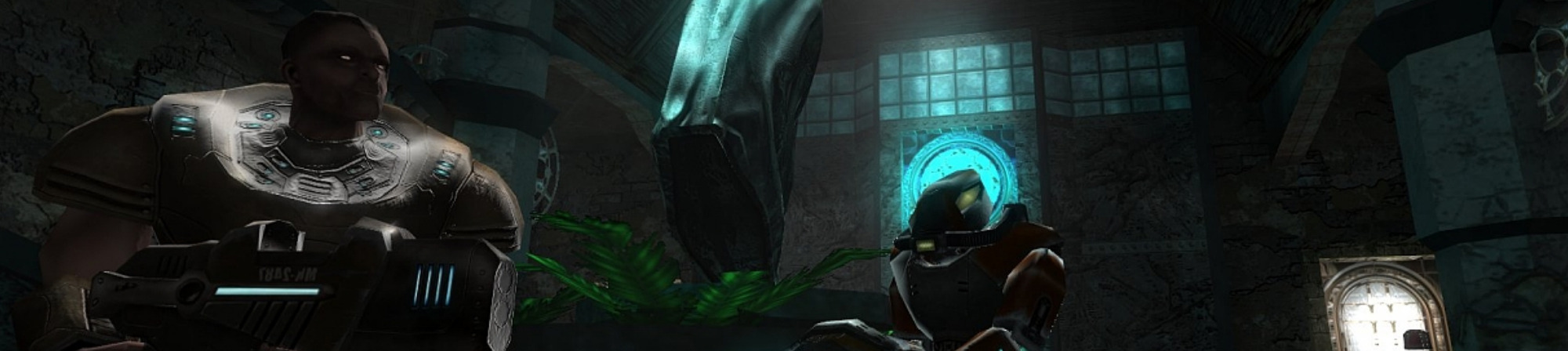
High speed arctic racing game based on Tux Racer.

The Battle for Wesnoth is a free, turn-based tactical strategy game with a high fantasy theme.

Hedgewars is a turn based strategy, artillery, action and comedy game.

Colossus is a Java clone of Avalon Hill's Titan™ boardgame.

BZFlag is a free online multiplayer 3D tank battle game.

Freeciv is a Free and Open Source empire-building strategy game inspired by the history of human civilization.

Command the forces in a battle to rebuild the world after mankind has almost been destroyed by nuclear missiles.

MegaGlest is an entertaining free and open source cross-platform 3D real-time strategy (RTS) game.

Fish Fillets NG is a Linux port of the wonderful puzzle game Fish Fillets from ALTAR interactive.
تاریخ انتشار: ۱۴۰۳ اردیبهشت ۴, سهشنبه
هنگامی که یک تصویردیسک را دانلود کردید، مطمئن شوید که آن را از نظر امنیت و یکپارچگی بررسی کنید.
By calculating the image’s checksum on your own computer and comparing it to the original checksum, you can verify the image has not been tampered with or corrupted. Images are also gpg signed with Fedora keys to demonstrate their integrity.
روی دکمه تأیید کلیک کنید تا فایل checksum برای تصویردیسک دانلودشدهتان، دانلود شود.
Import Fedora's GPG key(s)
curl -O https://fedoraproject.org/fedora.gpg
میتوانید جزئیات کلید(های) GPG را در اینجا تأیید کنید.
Verify the checksum file is valid
gpgv --keyring ./fedora.gpg Fedora-Labs-40-1.14-*-CHECKSUM
Verify the checksum matches
sha256sum -c Fedora-Labs-40-1.14-*-CHECKSUM
If the output states that the file is valid, then it's ready to use!

By clicking on and downloading Fedora, you agree to comply with the Fedora Export Control Policy.